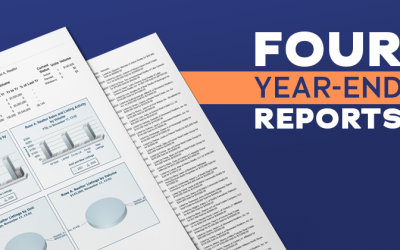
The end of the year is almost here, so that means it’s nearly time for you to prepare your year-end reports. If you have questions about the year-end reports, Metro MLS has numerous resources available to help you.
The Metro Word
FlexMLS Category Posts
Upload HEIC Photos from iPhone in Flexmls
Members can now upload High-Efficiency Image Format (HEIC) photos from their Apple devices to Flexmls. If you take listing photos with your iPhone, the change makes it easier and more efficient to upload photos to your listing.
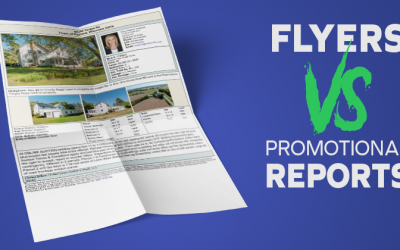
Flyers and Promotional Reports in Flexmls
Flexmls has flyers and promotional reports available for agents to use to promote properties. This tutorial will highlight the differences between the datasheets and when you should use each of them.
How to Expand All Fields for Quick Searches
By default, Quick Search opens with the search fields collapsed for easy scanning. If you don’t prefer the collapsed fields, you can easily change that. Flexmls allows you to have all the search fields expanded in Quick Search.
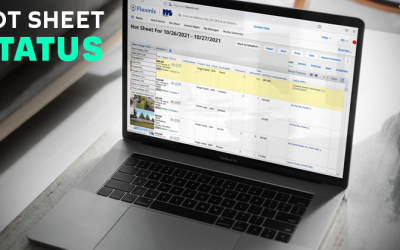
View Status Categories in Flexmls Hot Sheets
Flexmls Hot Sheets provide you with an easy and efficient way to see the recent changes in a specific area. You have access to two Hot Sheets – the 24-Hour Hot Sheet and the Custom Hot Sheet. Both offer numerous benefits but feature a few distinct differences.
How to Reset Your Flexmls Password
Did you forget your Flexmls password? You can reset your password in a few steps. Here is a quick guide to resetting your password.
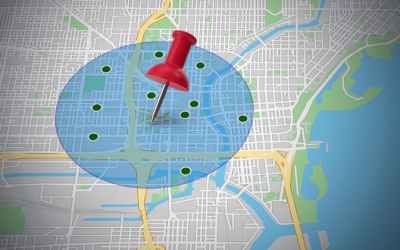
Using the Radius Search in Flexmls
Does your client want to live within a certain distance from work? The quickest and most effective way to search for properties within a certain distance is by using the radius search in Flexmls.
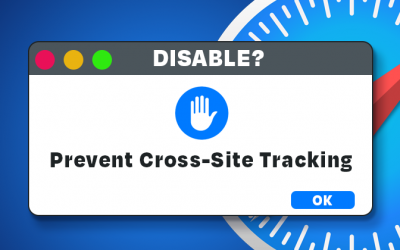
Disabling Prevent Cross-Site Tracking on Safari
Can you not access WIREdata while using Safari on an Apple product? If you are experiencing issues accessing any third-party websites, you will need to disable Prevent cross-site tracking.
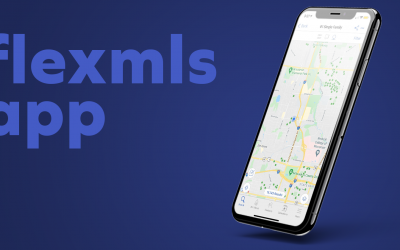
Flexmls Mobile App Available to Members
Do you want to access the MLS while on the go? The Flexmls App for Real Estate Pros provides a fast, easy way for you to search listings and manage contacts from Flexmls. The app is available on your smartphone and tablets.
Closing a Listing with Non-Metro MLS Member as Selling Agent
If you need to close out a listing in Flexmls, but the selling agent is a non-Metro MLS member, you need to follow specific steps to close the listing correctly. You need to select Non-Metro MLS member and put the information in the private remarks section.
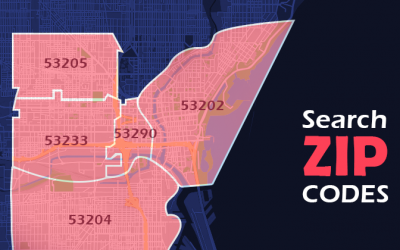
Finding ZIP Codes via Map Areas in Flexmls
Is your client looking for a house in a particular ZIP code? Flexmls allows you to use a ZIP code overlay to select your desired ZIP codes efficiently and see the boundaries of each ZIP code.
Finding Golf Course Properties in Flexmls
The Ryder Cup is currently taking place at Whistling Straits, one of the United States’ top golf courses, in Sheboygan, Wisconsin. The tournament might be causing some homebuyers to have an interest in living on a golf course.
How to Update Your Contact Information
If your contact information has changed, it is crucial to update it as soon as possible in Flexmls. Your contact information appears on reports, member searches and emails, so it’s important the information remains up to date at all times.
How to Create a CMA in Flexmls
Flexmls makes it easy to create a Comparative Market Analysis (CMA). A CMA estimates a home’s value based on recently sold data of similar properties in the immediate area. Here is a quick tutorial on how to create a Full CMA in Flexmls.
Editing a Saved Flexmls Search
It’s common for homebuyers to change their search parameters throughout the buying process. You can easily edit their saved search in Flexmls to match your client’s needs. But before you make any changes, here are a few nuances to keep in mind.